Discover how Chati's self-service licenses give you full control - build, update, and launch virtual events on your terms. Register for our free webinar today!
Click to access the Chati Media Kit and join our Newsletter
Networking Hub
Real-time visibility of all attendees
Interested in chatting with other event attendees in real time? Chati’s Networking Hub allows you to see exactly who is in the event and specific spaces with you.
With attendee title visibility, the Chati ‘Who’s Here’ functionality allows networking to occur between attendees, speakers, and exhibitors.
Quickly send and receive business cards within the Chati Networking Hub – a quick way to share contact information with your fellow attendees.
Chati Rated Highest Performing Virtual Event Platform on G2.
Connect with Peers in Real Time
Breakdown virtual networking barriers. See who's attending the virtual event and engage instantly—start a chat, exchange digital business cards, or launch a video meeting directly from the Networking Hub.
Chati Networking Hub Features
When you click into the Networking Hub, you will see two subsections titled, ‘Who’s in this Space,’ and ‘Who’s in the Event.’ Enjoy having visibility of which attendees are in the event/specific spaces with you.
Send and receive digital business cards through the Networking Hub! A simple way to quickly pass your contact information to other attendees.
Directly schedule a meeting from the Networking Hub with another attendee. By arranging a meeting time during an event for an organized discussion, attendees are able to interact with one or multiple attendees. Name the meeting, provide a description, and send your invited attendees an invite to join!
Interested in meeting right now with another attendee? Rather than scheduling a meeting in the future, click ‘Meet Now.’ Instantly convene for a real-time interaction/discussion.
G2 Customer Reviews
Geoffrey Cassell
Thermo Fisher Scientific
",,,the Chati platform offers a more realistic and engaging view- dimensionality and depth not experienced before."
Robert Gemme
"Very easy to use and demonstrate to others. "
Natay Cherry
Atrium Health
The experience is easy to follow and allows the webinars to be more interactive.
Through the Chati Networking Hub, attendees are able to interact, engage in conversations, and pass business cards to presenters, exhibitors, and more.
Chat on the Fly
Chat on the Fly
Interested in having a quick, on the fly chat with another attendee? The Networking Hub allows for virtual attendees to interact with others just as they would at a physical event.
Effortlessly Share Contact Information
Effortlessly Share Contact Information
Share and receive business cards in a controlled, professional setting. Similar to a physical event where you walk up to someone, briefly network, and exchange cards, you’ll have valuable information at your fingertips.
View Attendee Job Titles
View Attendee Job Titles
With visibility of attendee titles in the Networking Hub, you’ll always know who you are interacting with.
Beakout Rooms
Breakout Rooms
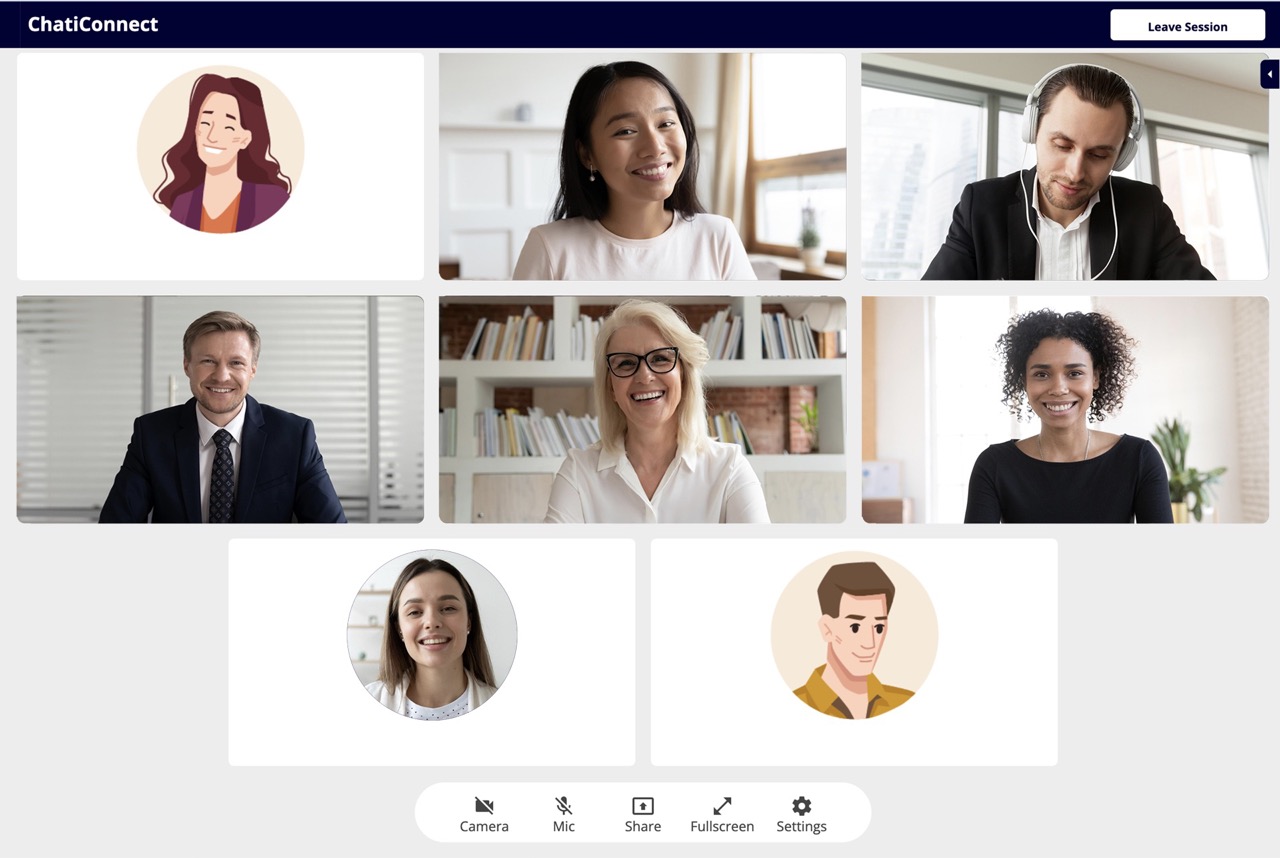
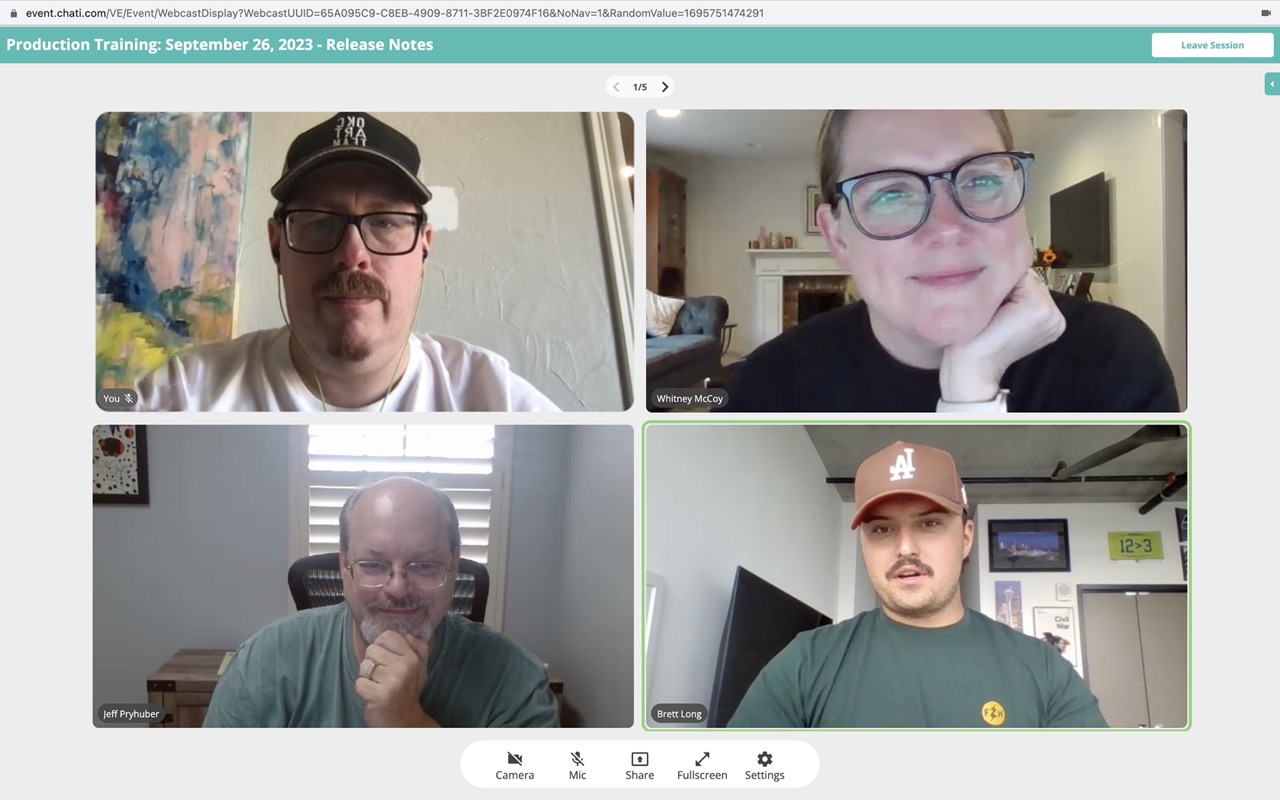
Chati’s breakout rooms allow event attendees, sponsors, and presenters to naturally continue a conversation in a casual setting. By facilitating in-depth discussions via our native video breakout feature, ChatiConnect or a third-party application, everyone has the opportunity to chime in. By offering a more informal discussion space, attendees will bounce ideas off of each other, sparking new, collaborative ideas.
Yes. Attendees can share and receive digital business cards in a controlled, professional setting, so connections made during the event carry over afterward.
Not exactly. Chati's Matchmaking tool uses algorithms to suggest relevant connections based on attendee profiles. This helps people find the right contacts rather than scrolling a full attendee list. The Networking Hub shows you who is in the event or your current room and allows for connections to be made, but is based on your location within the event.
Attendees connect through real-time text and video chat, shareable digital business cards, and smart suggestions that recommend relevant people to meet. Native video breakouts through ChatiConnect or a third-party tool allow deeper group discussions.
The Networking Hub is Chati's central space for attendee connection. It lets attendees see who else is at the event, view profiles, chat in real time, and receive personalized matchmaking suggestions, recreating the spontaneous connections of an in-person event.